
Everything you need,
right on your lock screen
— in your own style.

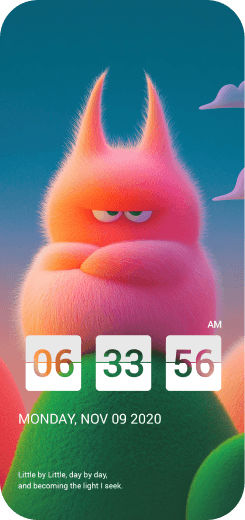


Once you install Good Lock,
it appears in place of your
phone's default lock screen.
Your phone's own lock (pattern, fingerprint)
stays in place, so it's safe to use.
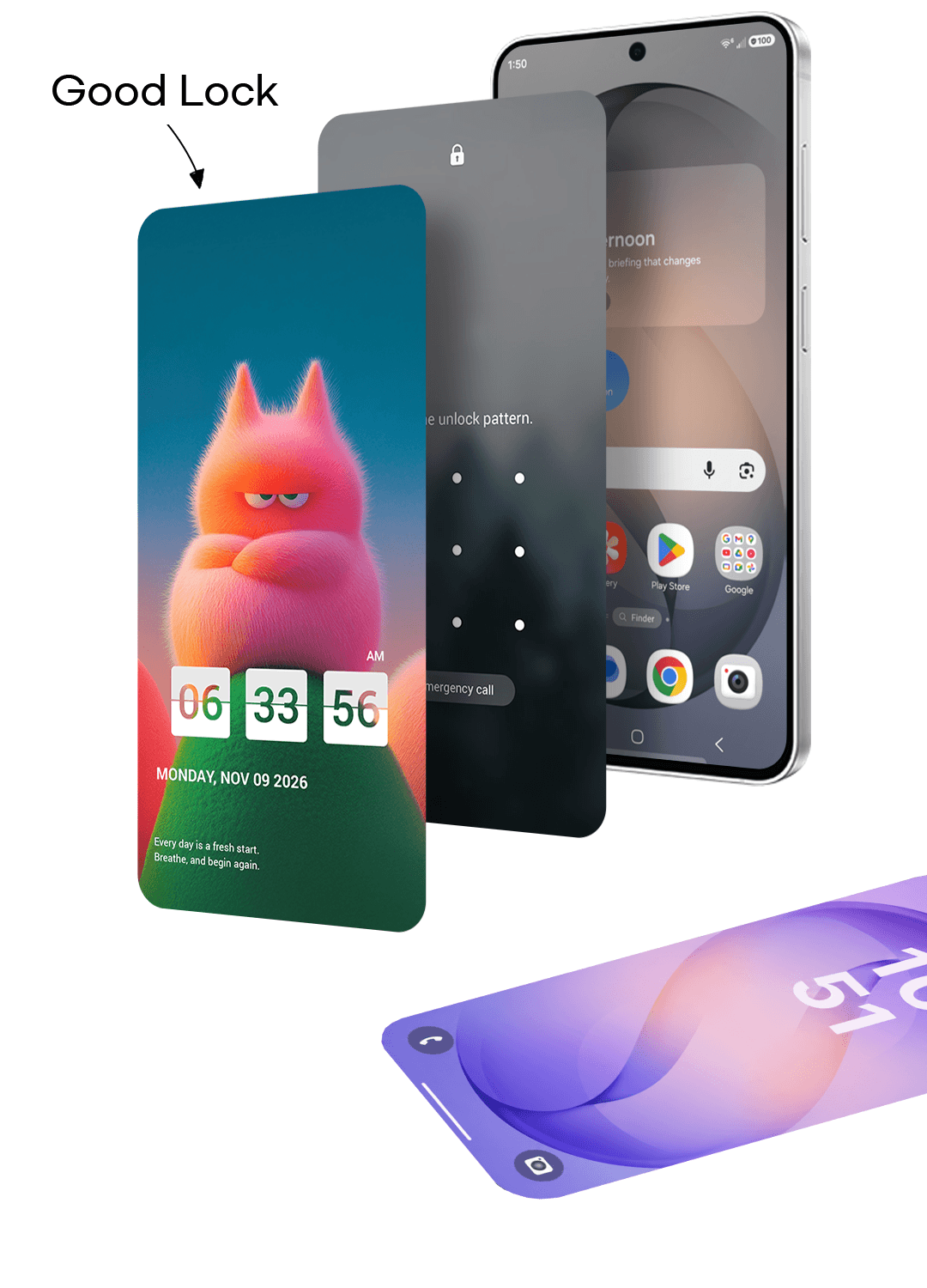
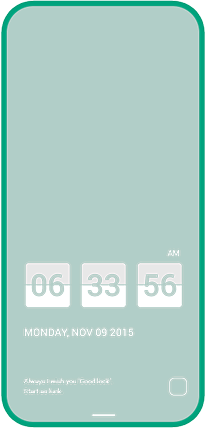
lock screen with our stylish
wallpapers and widgets.
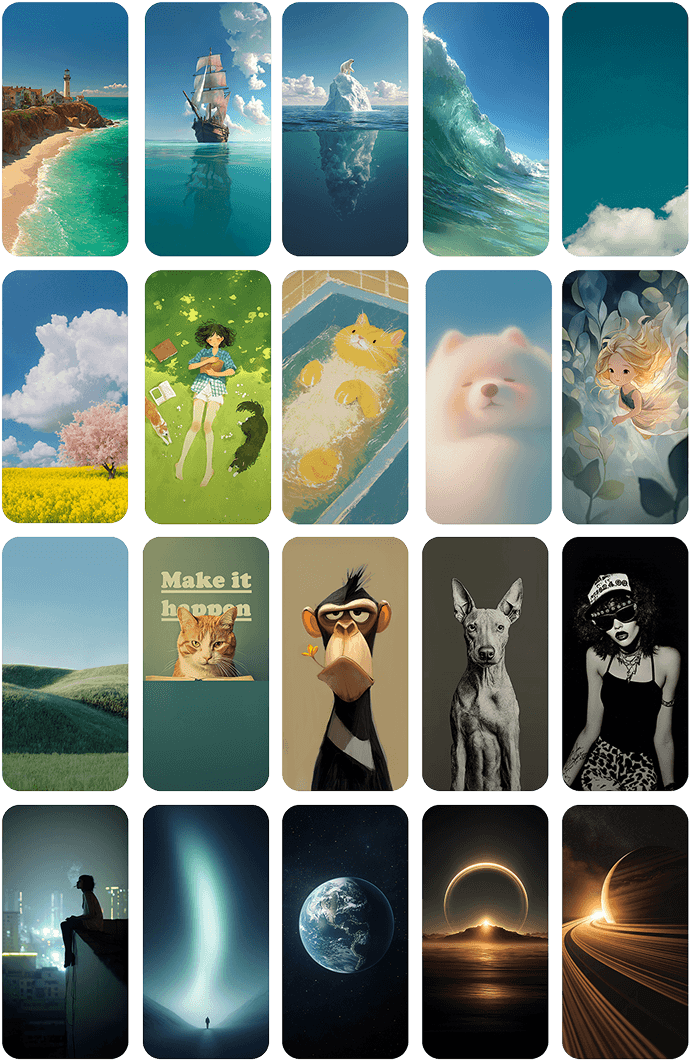
#Wallpaper
stunning wallpapers you
won't find anywhere else.
added every week.

#Widget: Clock
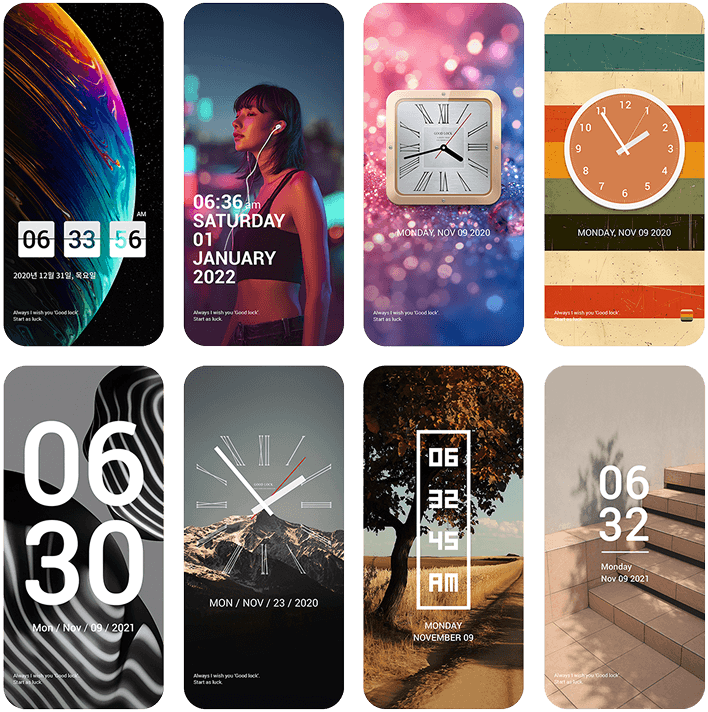
Good Lock's own clocks,
matched to your wallpaper.
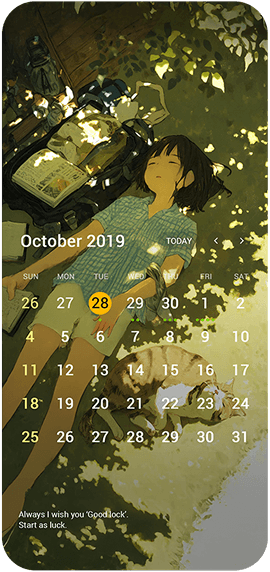
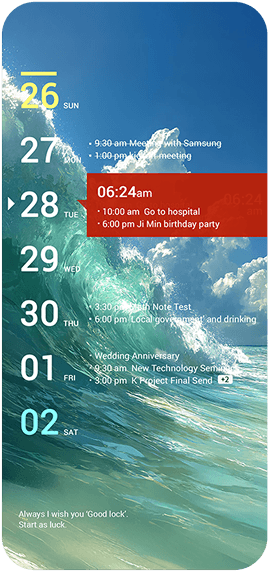
#Widget: Calendar/Schedule
and schedule at a glance,
right from your lock screen.
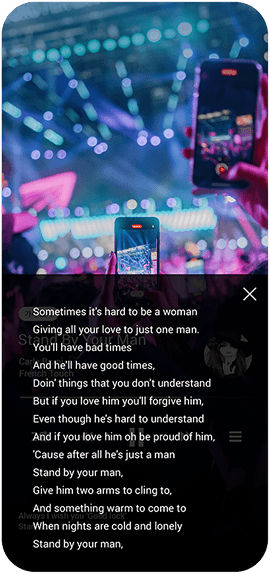
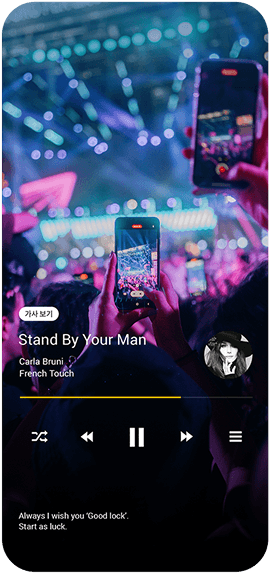
#Widget: Music Player
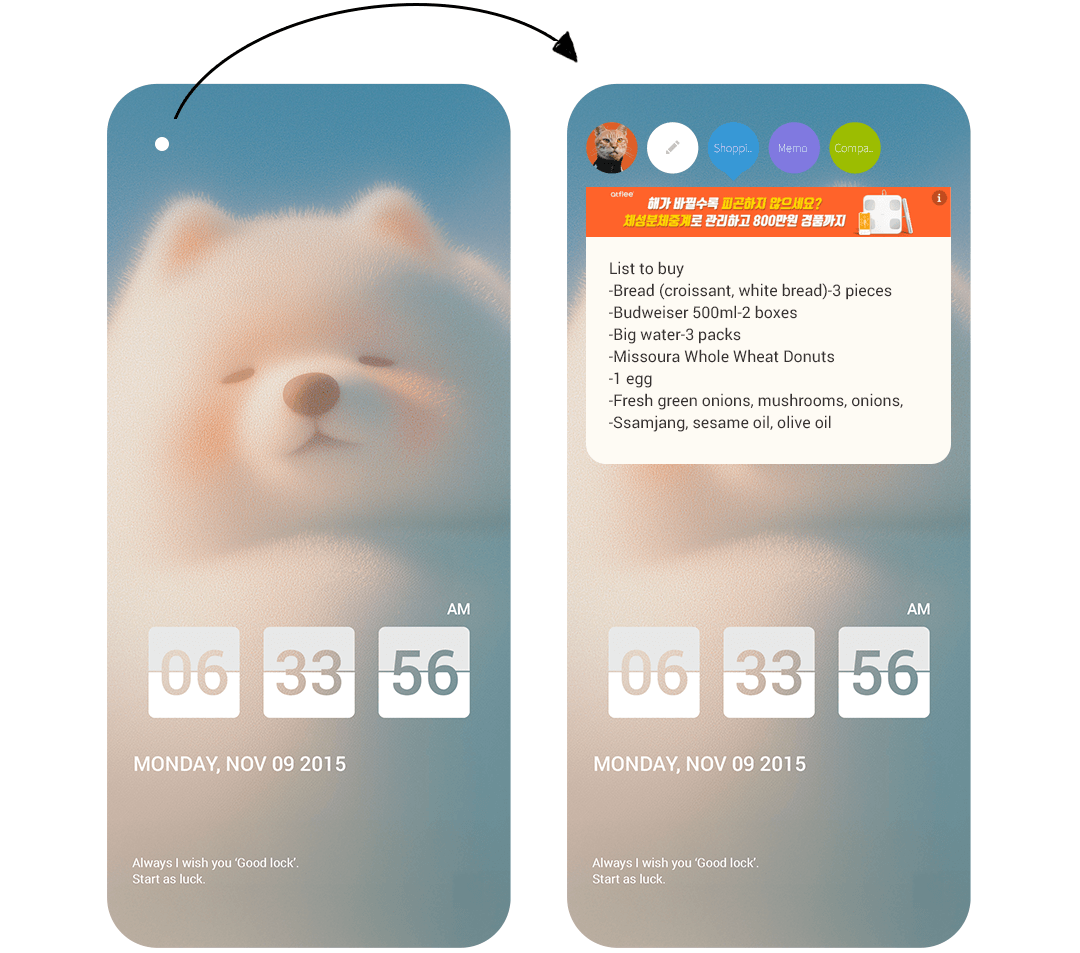
#Memo
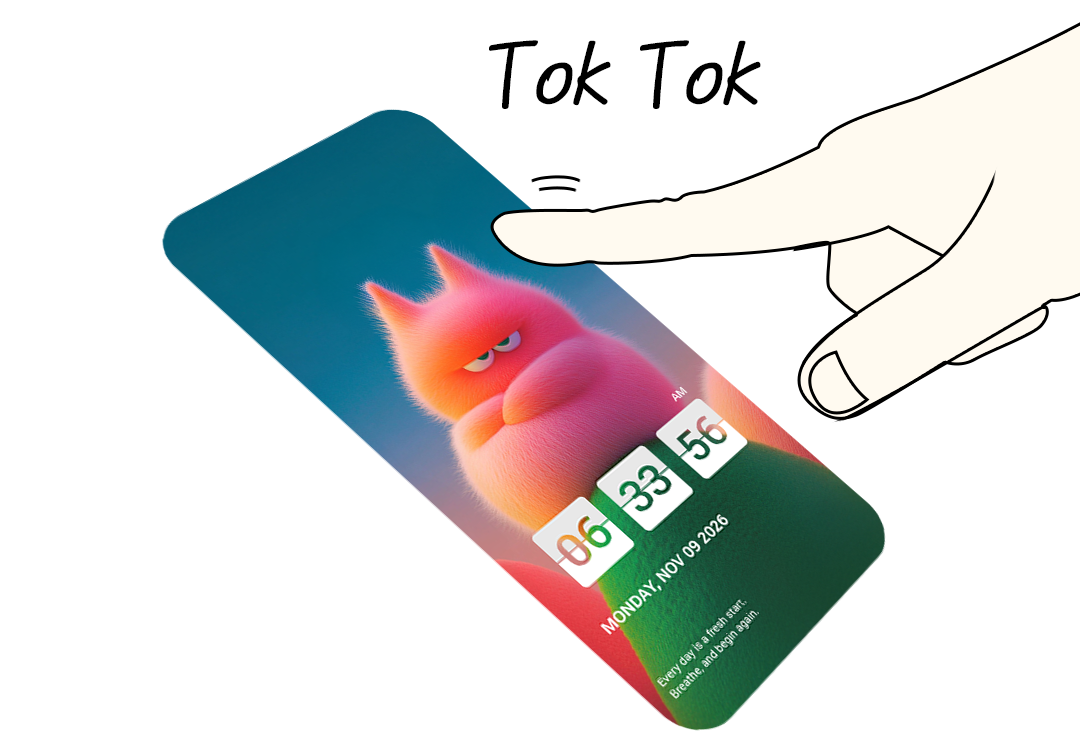
#Tok Tok
to open the app you chose.
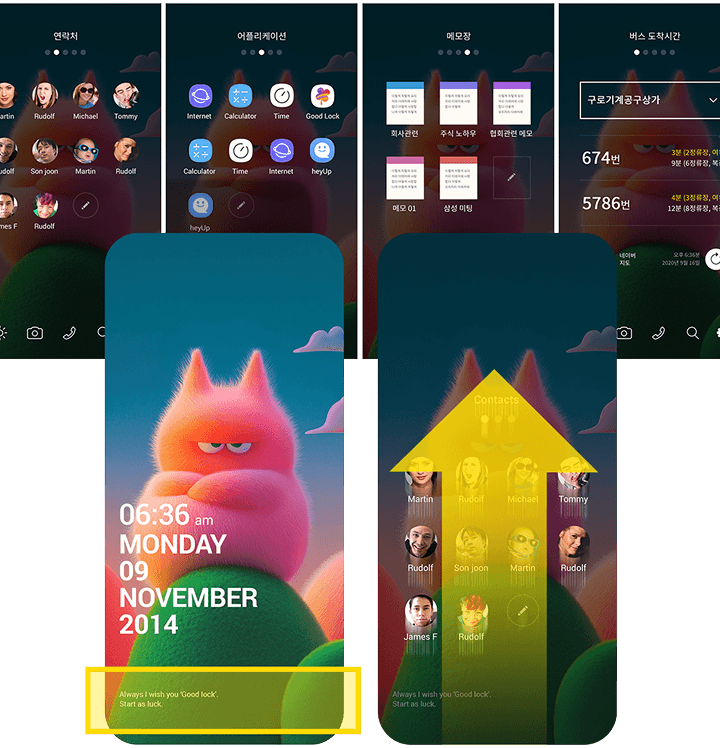
#Mini Home
contacts, bookmarks and more,
right on your lock screen.
Contact Us

Privacy Policy
Which Good Lock?
Keep it Trendy!
Keep it Hip!
Download

#What is Good Lock
Good Lock is a free lock screen app you can use on any Android phone in place of the default lock screen.
Beyond customizing your lock screen with wallpapers and widgets, it also lets you use the things you want often and quickly - like your schedule, memos and music - right away, without unlocking.
Your phone's own lock stays in place, so it's safe to use.
Good Lock was first released on March 15, 2015, and has been run by an independent developer for 11 years. Samsung's Good Lock, released a year later in March 2016 for Galaxy devices only, simply shares the name - it is a different app. See how the two differ →
#Who Good Lock is for
-
If you want a phone screen unlike anyone else's
Download over 1,200 Good Lock wallpapers for free and combine them with a range of widgets to build a lock screen that is yours alone.
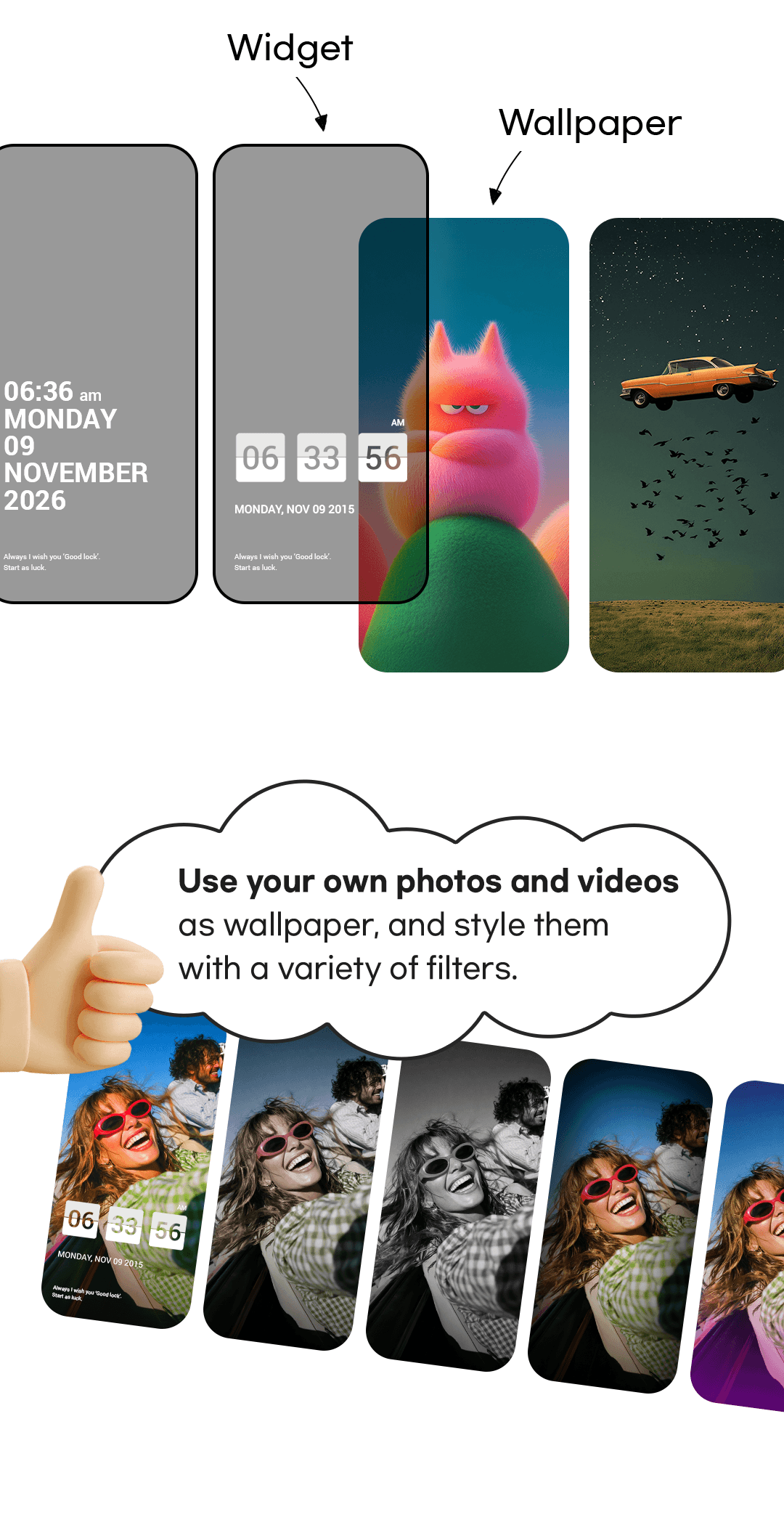
You can also set your own photos and videos as wallpaper and style them with a variety of filters.
-
If your phone feels stale
The lock screen is where your phone starts. Without changing devices, the lock screen alone changes the whole mood.
New wallpapers arrive every week, and you can have a different one appear each time you turn on your phone.
-
If you check your calendar and schedule often
Instead of waking your phone, unlocking it and hunting for an app every time you wonder when that appointment was, your monthly and weekly calendar and the day's plans sit right on the lock screen.
-
If you write and check memos often
Shopping lists, to-dos, errands - the notes you need to jot down and read straight away are there on the lock screen, ready to check and edit.
-
If you like to follow the lyrics while you listen
The lyrics of the song playing appear on your lock screen. You can play, pause and skip tracks without unlocking, too.
-
If you want your most-used apps and contacts in one place
You have dozens of apps but use only a few every day. Gather those, the numbers you call most and your favorite sites in one place and open them from the lock screen.
Double-tap the lock screen and an app you chose in advance opens right away.
-
If you like analog clocks
If you have wanted hands instead of digits on your phone, the widget store has a range of analog clocks to download.
-
If Samsung's Good Lock is not supported on your device
Samsung's Good Lock is Galaxy-only, but this app works on any Android phone, whatever the manufacturer. You don't need a Galaxy to customize your lock screen.
-
If you want an app without security or privacy worries
Your phone's own lock (pattern, fingerprint) stays in place, so your security stays the same.
There is no account sign-up, so the app does not collect personal data such as your name or email address. What you set up and write stays on your phone and is removed when you uninstall it.
To keep the app free it does include ads, but the lock screen and Mini Home you see every day carry none. Ads appear only on the settings pages.
#FAQ
-
What does the name Good Lock mean?
It combines "Good" with "lock screen". The lock screen is where your phone starts, so the name also carries the wish that every day begins with good luck.
-
After installing Good Lock, will I have two lock screens - Good Lock's and my phone's default one?
No. Unlock the Good Lock screen and you go straight to the fingerprint, PIN or pattern screen set on your phone, without passing through the phone's default lock screen. If no lock is set, your home screen opens right away.
(Earlier versions made you unlock two screens in a row; this was fixed in the September 2026 update.) -
Does the Good Lock screen have its own lock? Is it secure?
Yes, it's secure. Good Lock has no separate lock of its own; it uses the fingerprint, PIN or pattern set on your phone.
So your security stays exactly the same.
Memos, calendar, schedule and lyrics can be checked right away without unlocking, while apps, bookmarks and contacts open only after you unlock your phone, which keeps them secure. -
Can I use my own photos or videos as wallpaper?
Yes. You can set photos and videos from your phone as wallpaper and style them with a variety of filters.
-
Can I use it on an iPhone?
This app is an Android-only service. On iPhone, Apple's platform policy does not permit lock screen services.
-
Do I need an account or a payment?
Neither. Download it for free and use every feature without signing up. There are no in-app purchases and no paid version.
-
Does it contain ads?
Yes. But the lock screen and Mini Home you see every day carry no ads at all. Ads appear only on the settings pages you enter when changing your setup. Since the app is free and asks for no sign-up, ads are the only way it keeps running.
-
Does it collect personal data?
Because there is no account sign-up, this app does not collect personal data such as your name or contact details. What you set up and write stays on your phone, so uninstalling the app removes it all. To keep the app free, however, it does include ads, and the ad providers may collect your device's advertising ID for ad delivery. See our Privacy Policy page for details.
-
Does it ask for a lot of permissions?
Only one permission is required: "Display over other apps". The rest are requested only when you use the matching feature, and you can decline them. It used to ask for more, but recent work with the latest AI tools has improved this significantly. See details →
-
Does this app modify the phone system?
No. Because it shares a name with Samsung's Good Lock, some people confuse the two, but they work differently. Samsung's Good Lock is a system-level tool that changes the whole Galaxy UI. This app only shows its own lock screen; apart from the "Display over other apps" permission, it has no ability to change the system.
-
Is this app the same as Samsung's Good Lock?
No. This app is not affiliated with Samsung - it is a separate lock screen app that an independent developer has been running since March 2015. This app also launched before Samsung's Good Lock. See the full comparison →
-
Does it do the same things as Samsung's Good Lock?
No. Samsung's Good Lock customizes the whole Galaxy phone UI and works only on Galaxy devices. This app is purely a lock screen service for customizing and using your lock screen. The two share a name, but their features and direction are entirely different, so they are not comparable on the same terms.
-
Samsung's Good Lock only installs on Galaxy devices. What about this app?
It works on any Android phone. Samsung's Good Lock is Galaxy-only, but this app installs on any Android device regardless of manufacturer.